
How to Set Up an Ergonomic Desk in a Small Space - ClearPick Digest Guide

How to Set Up an Ergonomic Desk in a Small Space

Disclosure: ClearPick Digest is supported by its readers. If you buy through links on this page, we may earn a commission at no extra cost to you. Read our affiliate disclosure. Executive Summary Optimize Surface Depth: Shallow desks (20–24 inches deep) require monitor arms and compact keyboards to maintain the recommended arm’s-length viewing distance. Prioritize Adaptable Seating: Choose task chairs with flip-up armrests or smaller five-star wheelbases to tuck completely under the desk when not in use. Clear Under-Desk Knee Clearance: Avoid storage units under the desk to maintain unrestricted leg movement, optimal hip angles, and proper footrest placement. Creating an ergonomic desk setup in a small space often feels like a series of compromises. Traditional ergonomic guidance assumes a dedicated home office with a 30-inch-deep executive desk, an expansive task chair, and ample room to recline. In compact apartments, studio nooks, or multi-use bedrooms, applying those standard rules directly causes clutter and physical strain. ...
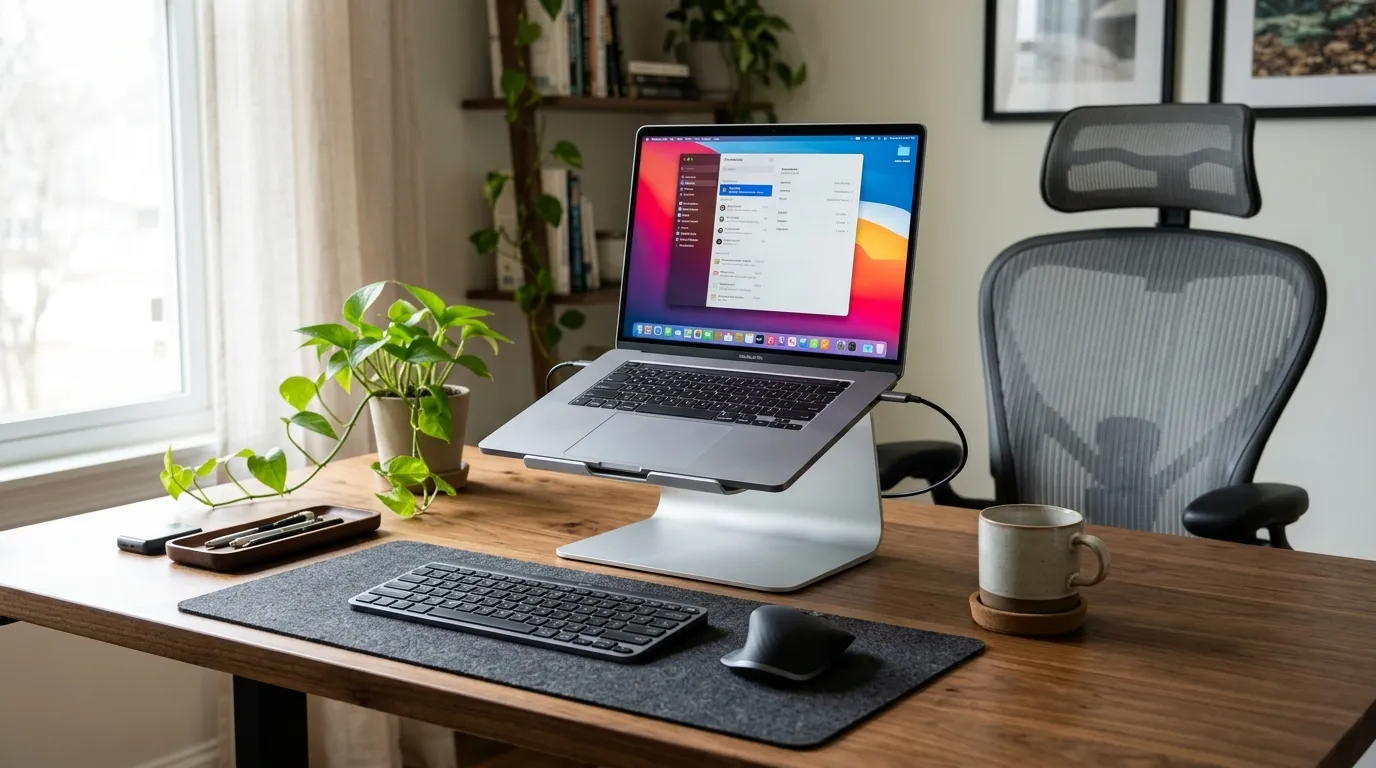
October 20, 2026 · 5 min · ClearPick Digest
Laptop Stand vs Monitor Arm: Which Is Better for a Home Office? - ClearPick Digest Guide

Laptop Stand vs Monitor Arm: Which Is Better for a Home Office?

Disclosure: ClearPick Digest is supported by its readers. If you buy through links on this page, we may earn a commission at no extra cost to you. Read our affiliate disclosure. Executive Summary Mobility vs. Permanence: Laptop stands offer immediate plug-and-play mobility for hybrid workers, while monitor arms provide unmatched structural flexibility for static multi-display workstations. Ergonomic Clearance: A monitor arm frees up usable desktop surface area and allows precise depth and height micro-adjustments, whereas a stand occupies desktop space directly beneath your screen. Setup Requirements: Both solutions demand external peripherals (mouse and keyboard) to prevent wrist pronation and shoulder strain, making an ergonomic input setup non-negotiable. Ergonomic Alignment: Managing Eye Line and Focal Distance The core goal of any display mount is elevating the top third of your screen to eye level while maintaining a neutral cervical spine. When comparing a laptop stand vs monitor arm, the primary mechanical difference lies in focal depth and adjustability ranges. ...

October 19, 2026 · 5 min · ClearPick Digest