How to Properly Sanitize Silicone Food Storage Bags Without Odor - ClearPick Digest Guide

How to Properly Sanitize Silicone Food Storage Bags Without Odor

Disclosure: ClearPick Digest is supported by its readers. If you buy through links on this page, we may earn a commission at no extra cost to you. Read our affiliate disclosure. Executive Summary The Porous Problem: Food-grade silicone is highly durable but naturally microscopic and porous, meaning it easily absorbs food oils and strong odors like onions, garlic, and marinades. Heat & Acid are Key: Standard dish soap often isn’t enough; neutralizing odors requires acidic agents (like vinegar or lemon), absorbing agents (like baking soda), or targeted heat. Proper Drying is Crucial: To prevent musty odors and mold, silicone bags must be completely propped open to air-dry before storage. Why Silicone Food Bags Retain Stubborn Odors Silicone has revolutionized zero-waste food storage. It is flexible, temperature-resistant, and infinitely reusable. However, many users notice that after storing spaghetti sauce, curries, or garlicky leftovers, their bags retain a stubborn, unpleasant scent even after a thorough wash. ...
October 22, 2026 · 5 min · ClearPick Digest
How to Reduce Cable Clutter on Your Desk - ClearPick Digest Guide

How to Reduce Cable Clutter on Your Desk

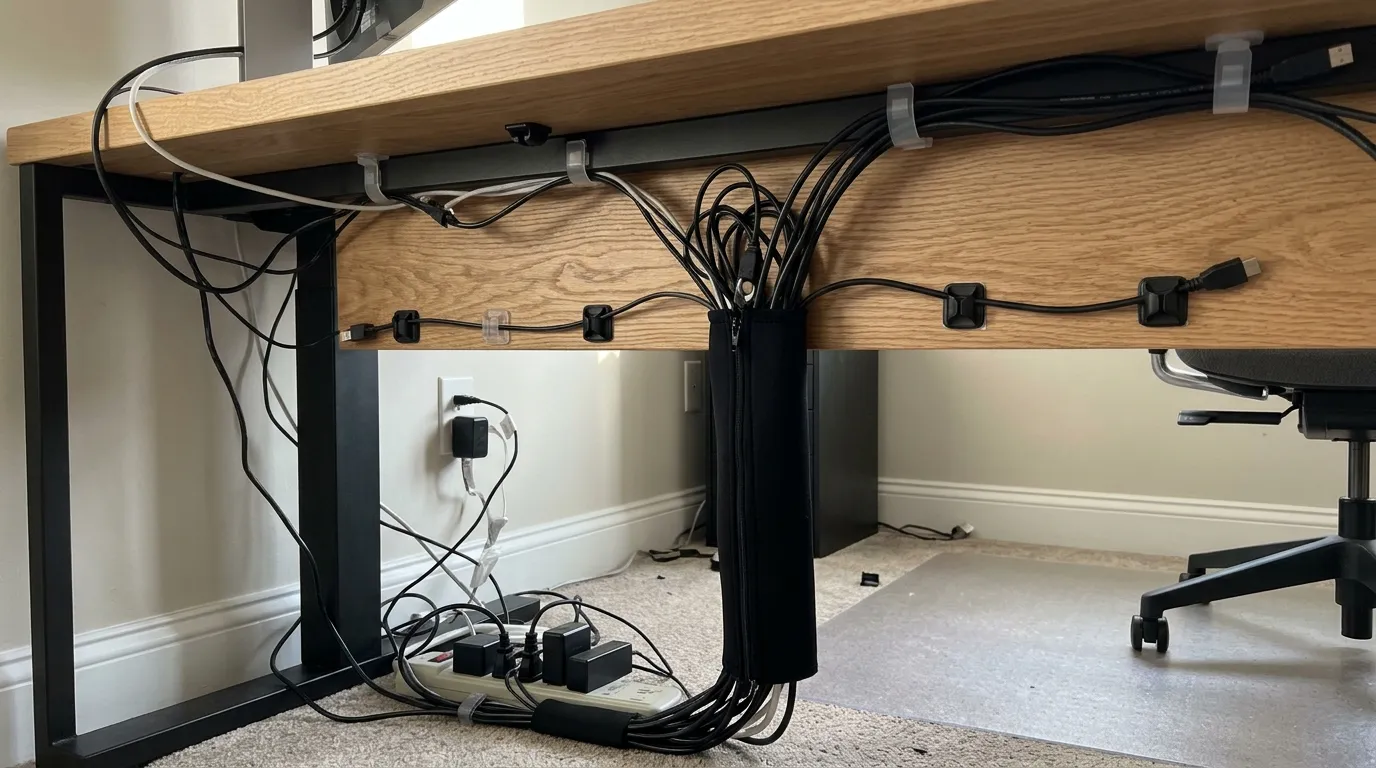
Disclosure: ClearPick Digest is supported by its readers. If you buy through links on this page, we may earn a commission at no extra cost to you. Read our affiliate disclosure. Executive Summary Consolidate upstream: Use a multi-port USB-C/Thunderbolt docking station to collapse multiple peripheral cords into a single umbilical line running to your laptop or desktop. Move power off the floor: Mount your power strip directly to the underside of the desktop so all high-draw cables travel with the desk rather than dangling to the wall. Plan for movement: Use flexible cable spines and reusable hook-and-loop fasteners instead of rigid zip ties to prevent port strain on sit-stand workstations. Audit and Consolidate: The Single-Cable Foundation The most common mistake when tackling cable clutter is attempting to bundle a web of cords that shouldn’t exist in the first place. Before purchasing raceways or clips, eliminate redundant power bricks and display adapters. ...

October 21, 2026 · 5 min · ClearPick Digest
How to Set Up a Smart Plug to Cut Standby Power at Home - ClearPick Digest Guide

How to Set Up a Smart Plug to Cut Standby Power at Home

Disclosure: ClearPick Digest is supported by its readers. If you buy through links on this page, we may earn a commission at no extra cost to you. Read our affiliate disclosure. Executive Summary Target High-Load Clusters: Entertainment consoles, dual-monitor workstations, and secondary kitchen appliances yield the highest return on investment for phantom load reduction. Smart Plug Energy Math: A standard Wi-Fi or Zigbee smart plug draws between 0.5W and 1.2W on standby, while a typical home AV cluster draws 15W to 40W when “off,” producing a clear net benefit. Automate by Threshold, Not Just Time: The most effective configuration uses power-monitoring smart plugs that trigger a complete shutdown once active power consumption drops below a specific idle wattage. Pinpointing the Vampire Draw Culprits in Your Home Before deploying hardware, you must distinguish between minor idle drains and major phantom loads. Modern appliances often run transformers, internal clocks, and network cards even when powered down. These idling electronics consume what the Department of Energy terms “standby power”—frequently accounting for 5% to 10% of total residential electricity consumption. ...

October 21, 2026 · 5 min · ClearPick Digest
How to Set Up an Ergonomic Desk in a Small Space - ClearPick Digest Guide

How to Set Up an Ergonomic Desk in a Small Space

Disclosure: ClearPick Digest is supported by its readers. If you buy through links on this page, we may earn a commission at no extra cost to you. Read our affiliate disclosure. Executive Summary Optimize Surface Depth: Shallow desks (20–24 inches deep) require monitor arms and compact keyboards to maintain the recommended arm’s-length viewing distance. Prioritize Adaptable Seating: Choose task chairs with flip-up armrests or smaller five-star wheelbases to tuck completely under the desk when not in use. Clear Under-Desk Knee Clearance: Avoid storage units under the desk to maintain unrestricted leg movement, optimal hip angles, and proper footrest placement. Creating an ergonomic desk setup in a small space often feels like a series of compromises. Traditional ergonomic guidance assumes a dedicated home office with a 30-inch-deep executive desk, an expansive task chair, and ample room to recline. In compact apartments, studio nooks, or multi-use bedrooms, applying those standard rules directly causes clutter and physical strain. ...

October 20, 2026 · 5 min · ClearPick Digest
Humidifier vs Air Purifier: What Each One Actually Does - ClearPick Digest Guide

Humidifier vs Air Purifier: What Each One Actually Does

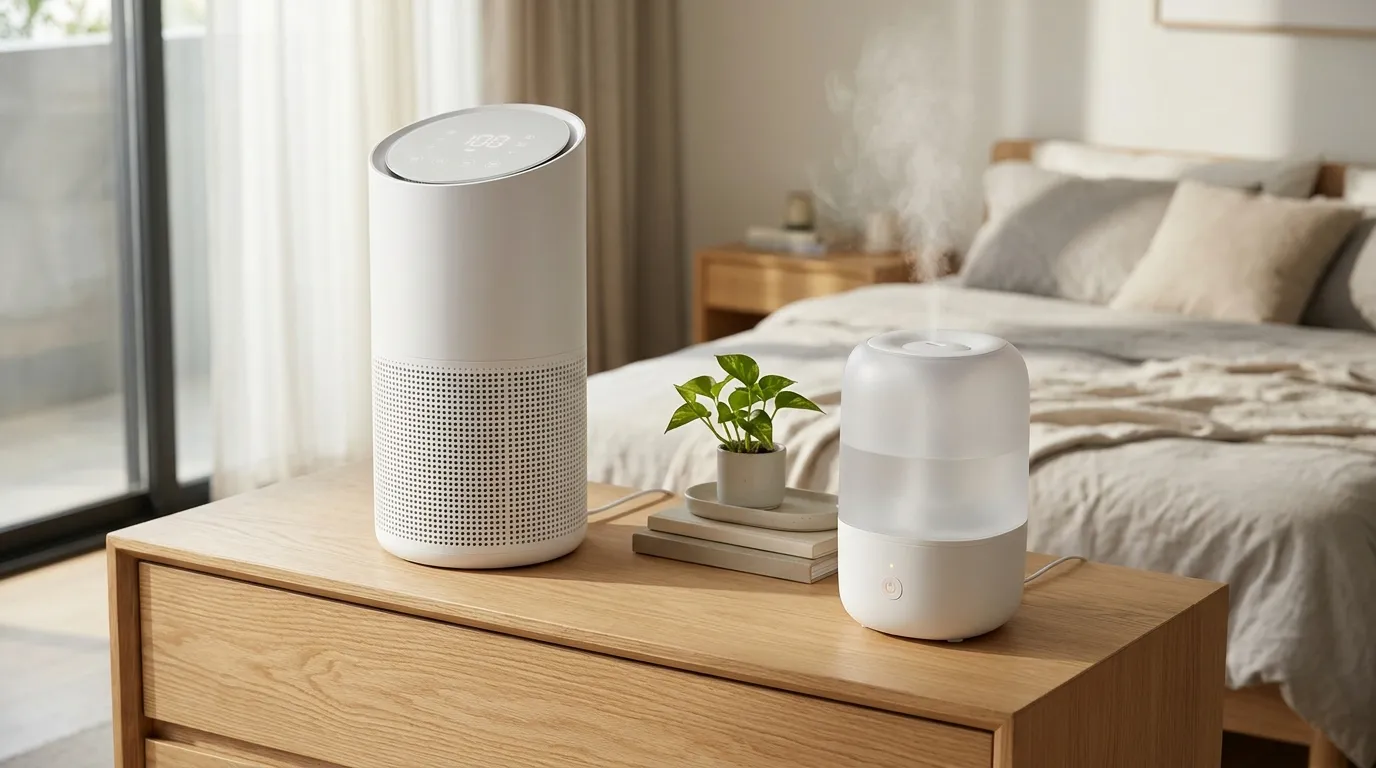
Disclosure: ClearPick Digest is supported by its readers. If you buy through links on this page, we may earn a commission at no extra cost to you. Read our affiliate disclosure. Executive Summary Opposite Functions: Humidifiers strictly regulate moisture levels by dispersing water vapor, while air purifiers capture airborne pollutants, allergens, and odors without altering relative humidity. Symptom Alignment: Choose a humidifier for dry sinuses, bloody noses, cracked skin, and cold relief; choose an air purifier for pet dander, pollen allergies, asthma, dust, and wildfire smoke. Dual Operation: You can run both units in the same room, but they should sit at least six feet apart to prevent moisture from saturating and ruining the purifier’s HEPA filter. The Core Mechanism: Moisture Control vs. Particle Removal Understanding the humidifier vs air purifier difference begins with a simple distinction: one device adds substance to the air, while the other removes it. ...

October 20, 2026 · 6 min · ClearPick Digest
Laptop Stand vs Monitor Arm: Which Is Better for a Home Office? - ClearPick Digest Guide

Laptop Stand vs Monitor Arm: Which Is Better for a Home Office?

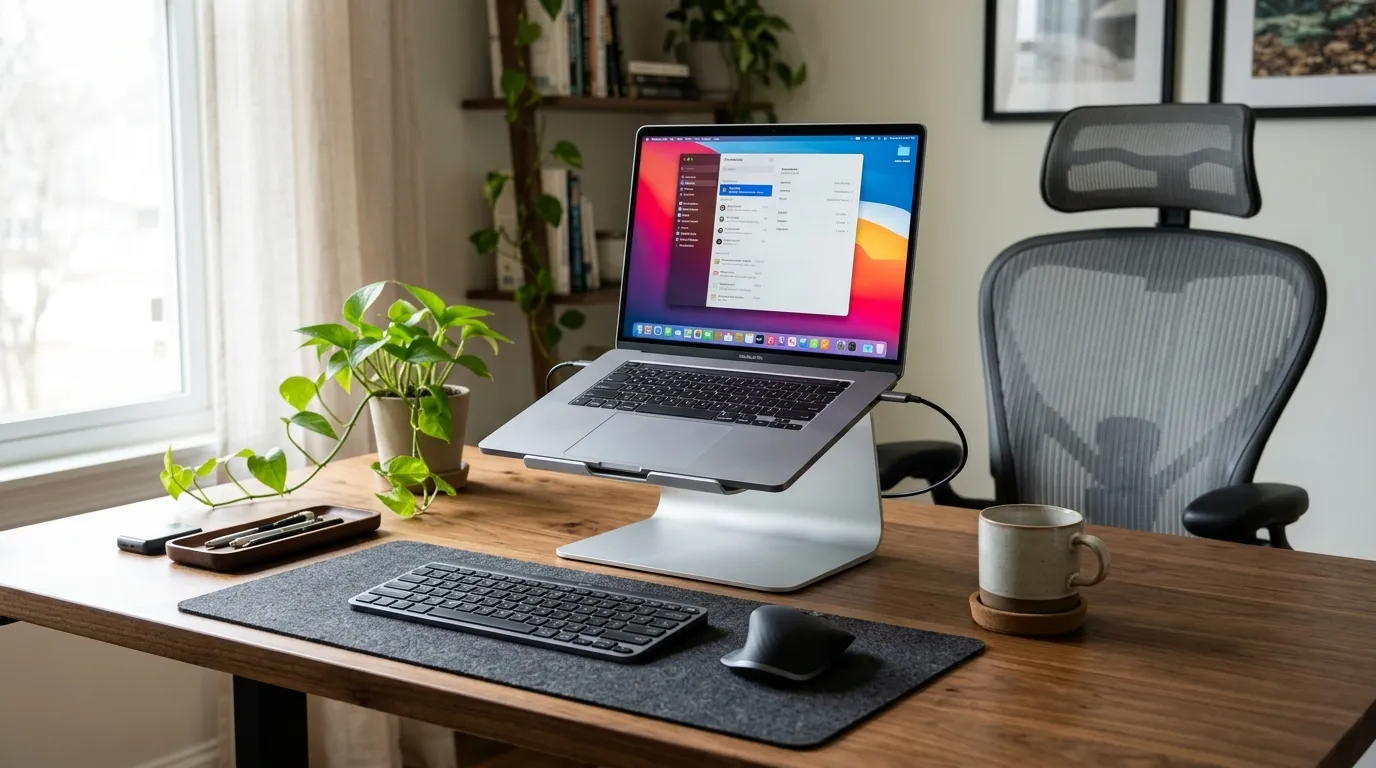
Disclosure: ClearPick Digest is supported by its readers. If you buy through links on this page, we may earn a commission at no extra cost to you. Read our affiliate disclosure. Executive Summary Mobility vs. Permanence: Laptop stands offer immediate plug-and-play mobility for hybrid workers, while monitor arms provide unmatched structural flexibility for static multi-display workstations. Ergonomic Clearance: A monitor arm frees up usable desktop surface area and allows precise depth and height micro-adjustments, whereas a stand occupies desktop space directly beneath your screen. Setup Requirements: Both solutions demand external peripherals (mouse and keyboard) to prevent wrist pronation and shoulder strain, making an ergonomic input setup non-negotiable. Ergonomic Alignment: Managing Eye Line and Focal Distance The core goal of any display mount is elevating the top third of your screen to eye level while maintaining a neutral cervical spine. When comparing a laptop stand vs monitor arm, the primary mechanical difference lies in focal depth and adjustability ranges. ...

October 19, 2026 · 5 min · ClearPick Digest
Travel Power Adapters Explained: Which Plug Type Do You Need? - ClearPick Digest Guide

Travel Power Adapters Explained: Which Plug Type Do You Need?

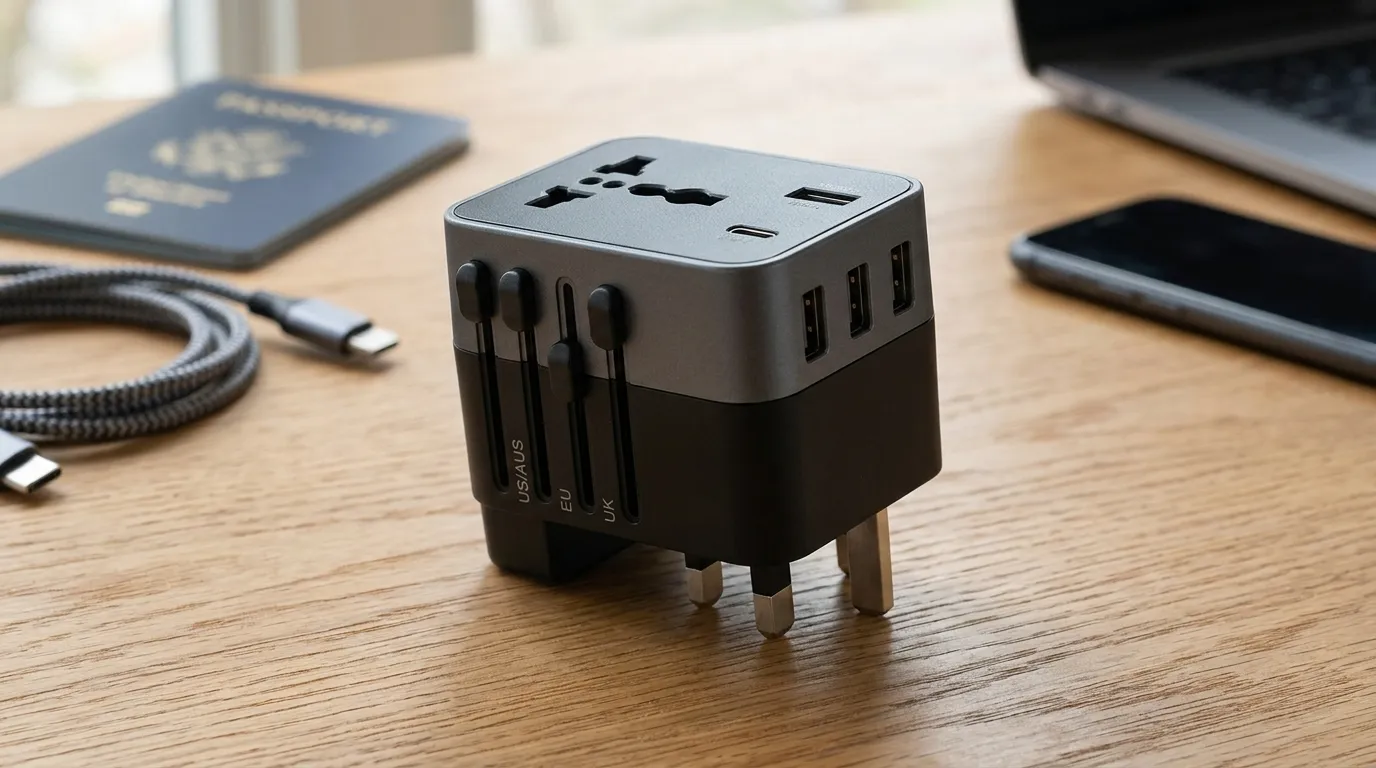
Disclosure: ClearPick Digest is supported by its readers. If you buy through links on this page, we may earn a commission at no extra cost to you. Read our affiliate disclosure. Executive Summary Adapters adjust pin shape, not voltage: A standard plug adapter mechanically fits your gear into foreign outlets; it does not convert 220V power to 110V. Four core plug profiles dominate global travel: Types A/B (Americas/Japan), Type C/E/F (Continental Europe), Type G (UK/Ireland/Middle East), and Type I (Australia/New Zealand/China) cover roughly 90% of popular destinations. Modern GaN multi-port adapters save significant weight: Upgrading to a Gallium Nitride (GaN) all-in-one charging cube with integrated USB-C Power Delivery often eliminates the need to carry separate device charging bricks entirely. The Global Plug Alphabet: Types A Through N Decoded The International Electrotechnical Commission (IEC) designates electrical wall outlets by letters running from Type A through Type N. While the alphabet soup seems overwhelming, international travelers generally encounter four main formats: ...

October 19, 2026 · 6 min · ClearPick Digest
Zigbee vs Matter vs Wi-Fi: Which Smart Home Standard Should You Pick? - ClearPick Digest Guide

Zigbee vs Matter vs Wi-Fi: Which Smart Home Standard Should You Pick?

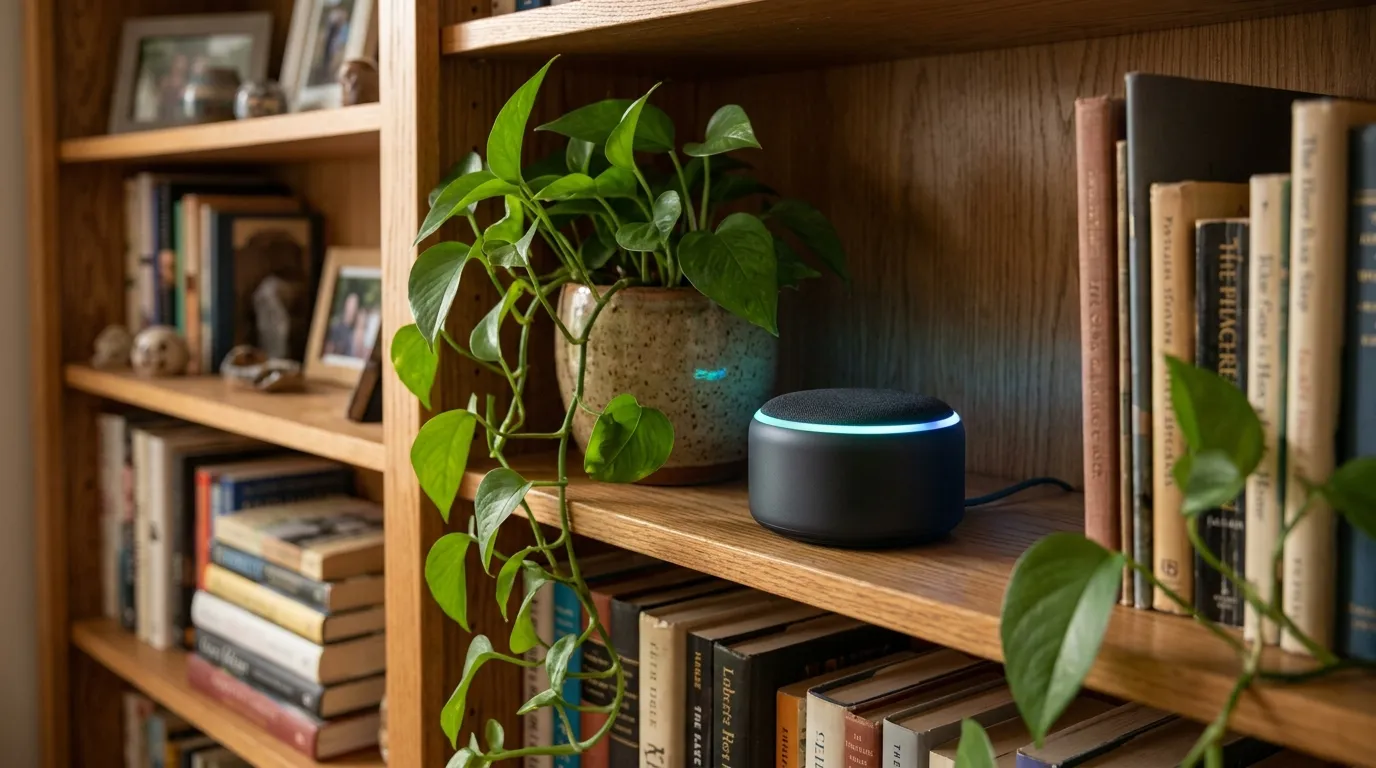
Disclosure: ClearPick Digest is supported by its readers. If you buy through links on this page, we may earn a commission at no extra cost to you. Read our affiliate disclosure. Executive Summary Wi-Fi offers plug-and-play simplicity for high-bandwidth devices (like cameras), but clutters your home router and drains batteries quickly. Zigbee delivers rock-solid, ultra-low-power local mesh networking for sensors and switches, though it requires a dedicated hub or bridge. Matter is an interoperability application layer—not a standalone wireless radio—running primarily over Wi-Fi and Thread to eliminate vendor lock-in. Architectural Breakdown: How Each Protocol Handles Data Choosing the right foundation comes down to understanding network architecture. In a standard zigbee vs matter vs wifi smart home evaluation, the primary difference lies in how devices communicate with each other and your local network. ...

October 18, 2026 · 5 min · ClearPick Digest